|
Change Computer Name
2017/01/08 |
|
The Computer Name is assigned automatically by default, so change it.
|
|
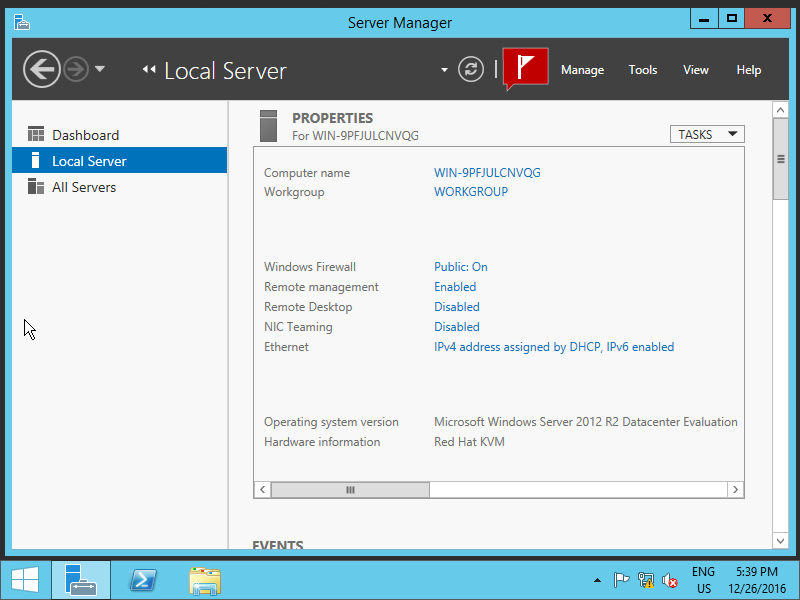
| [1] | Open [Server Manager] and click [Computer Name] section. |
|
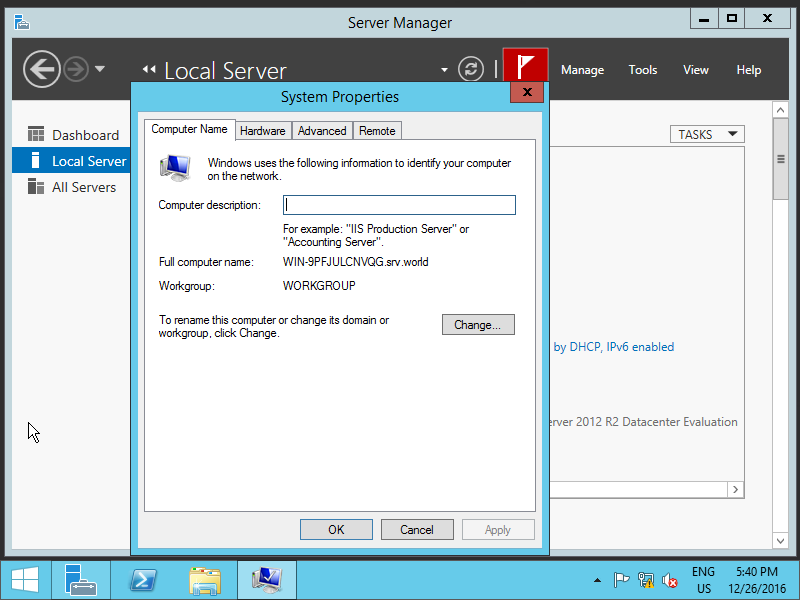
| [2] | Move to [Computer Name] tab and click [Change] button. |
|
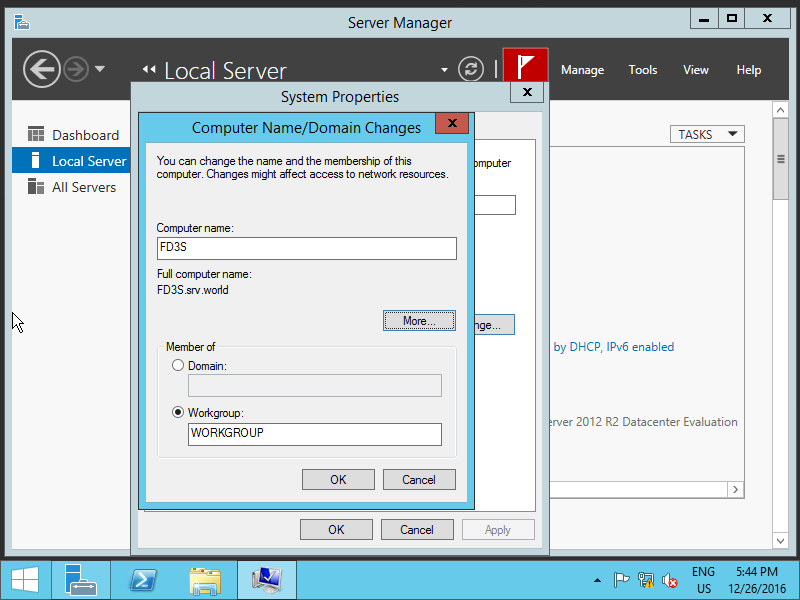
| [3] | Input any Computer Name you like in [Computer Name] field and next, click [More] button. |
|
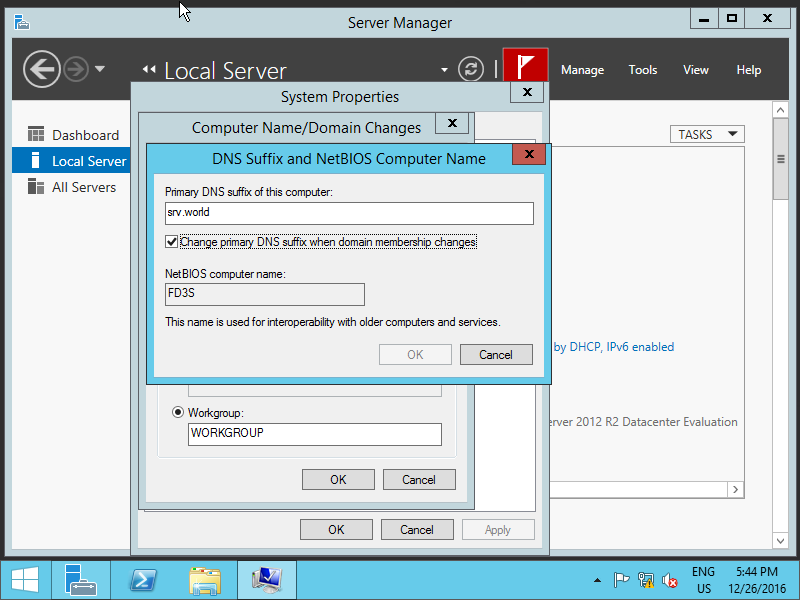
| [4] | Input Domain name this Computer is in. |
|
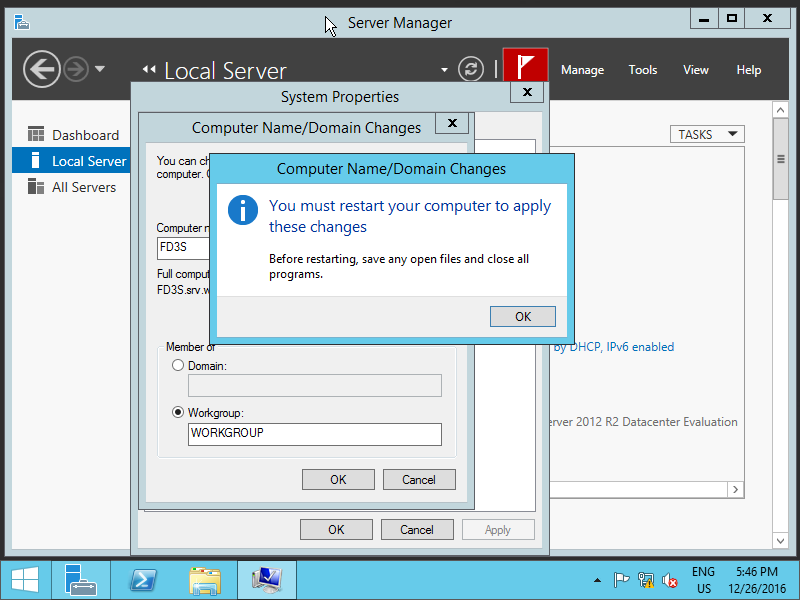
| [5] | Restarting Computer is required for applying changes. |
|
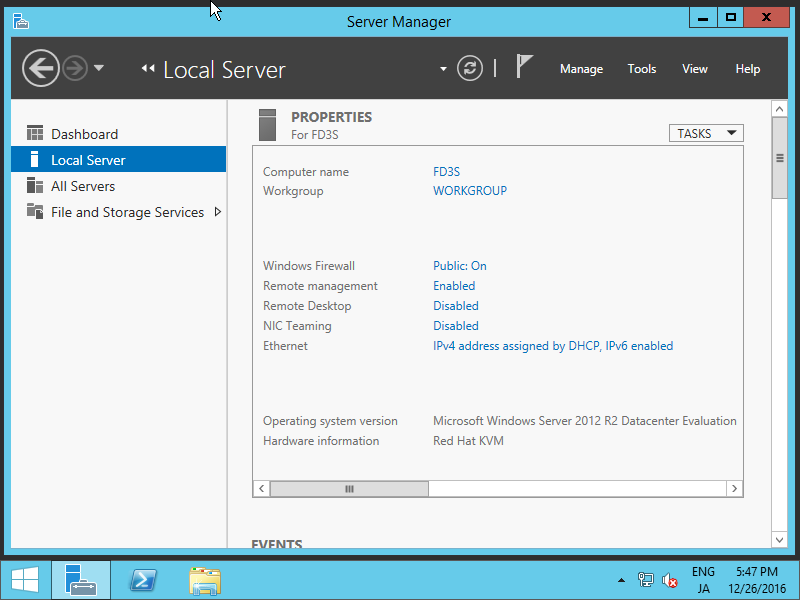
| [6] | Computer Name is changed normally. |
|